Customer Support and Website Accessibility Assistance:
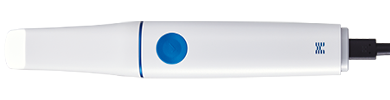
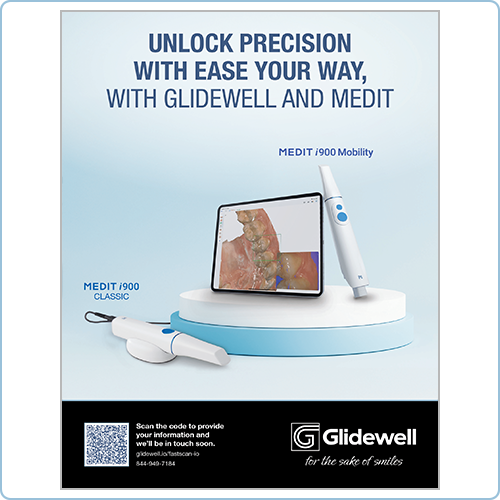
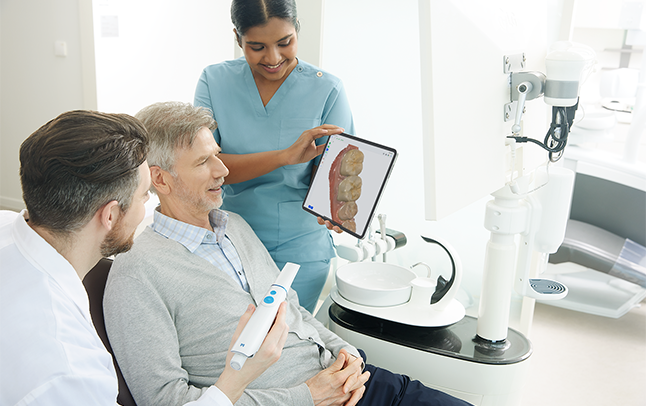
Untether your workflow with a truly mobile scanning experience. Just pair with your iPad and start scanning with no cables, cart or laptop necessary. With the i900 Mobility, instantly preview and share scans chairside to boost patient engagement, collaborate seamlessly across locations, and place orders from virtually anywhere. Plus, Glidewell includes free training and ongoing support whenever you need it.
Enjoy a wireless workflow with no bulky hardware.
A WiFi-enabled wand means that scan data is easily shared with your iPad, computer, or a colleague.
Every scanner includes free training and unlimited support, with help available weekdays from 5 AM to 5 PM PST via phone, text, chat, or remote access.
Love a digital workflow? Explore other glidewell.io possibilities such as chairside milling and 3D printing.
Medit Link Express is designed exclusively for iPads to complement mobile intraoral scanning workflows.
From patient registration to lab orders, Medit Link Express has streamlined tools that expedite your clinical turnaround.
Designed to enhance, not interfere with, the essential functions of your workflow.
Category | i900 mobility | i900 classic | i700 |
|---|---|---|---|
Model | ![]() | ![]() | ![]() |
Scanning Technology | 3D-in-motion video technology / 3D full color streaming capture | ||
Connection Type | Wireless | Wired | |
Interface Type | Button | ||
Dimensions | 290 x 42 x 42 mm | 223 x 37 x 35 mm | 248 x 44 x 47 mm |
Total Weight | 321 g | 165 g | 245 g |
FOV (Scan Area) | 18 x 15 mm | 15 x 13 mm | |
Camera | 10 bit | 8 bit | |
Wireless Module | Wi-Fi 6E Module Built in, Bluetooth | N/A | |
Free unlimited training and Support | Yes | ||
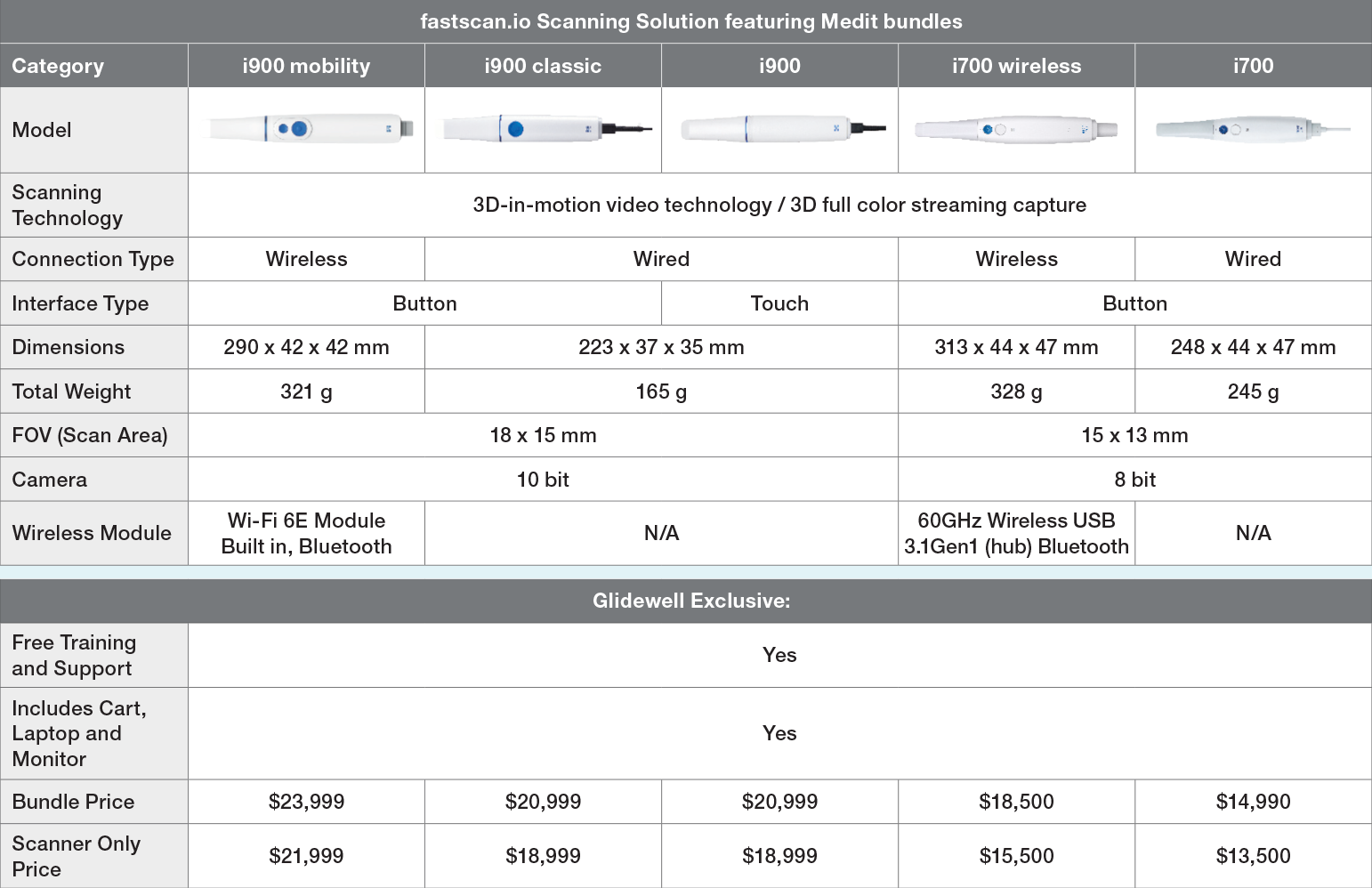
Category | i900 mobility | i900 classic | i700 |
|---|---|---|---|
Model | ![]() | ![]() | ![]() |
Scanning Technology | 3D-in-motion video technology / 3D full color streaming capture | ||
Connection Type | Wireless | Wired | |
Interface Type | Button | ||
Dimensions | 290 x 42 x 42 mm | 223 x 37 x 35 mm | 248 x 44 x 47 mm |
Total Weight | 321 g | 165 g | 245 g |
FOV (Scan Area) | 18 x 15 mm | 15 x 13 mm | |
Camera | 10 bit | 8 bit | |
Wireless Module | Wi-Fi 6E Module Built in, Bluetooth | N/A | |
Free unlimited training and Support | Yes | ||
| Scanning Technology | 3D-in-motion video technology / 3D full color streaming capture |
| Connection Type | Wireless |
| Interface Type | Button |
| Dimensions | 209 x 42 x 42 mm |
| Total Weight | 321 g |
| FOV (Scan Area) | 18 x 15 mm |
| Camera | 10 bit |
| Wireless Module | Wi-Fi 6E Module Built in, Bluetooth |
| Free unlimited training and Support | Yes |
| Scanning Technology | 3D-in-motion video technology / 3D full color streaming capture |
| Connection Type | Wired |
| Interface Type | Button |
| Dimensions | 223 x 37 x 35 mm |
| Total Weight | 165 g |
| FOV (Scan Area) | 18 x 15 mm |
| Camera | 10 bit |
| Wireless Module | N/A |
| Free unlimited training and Support | Yes |
| Scanning Technology | 3D-in-motion video technology / 3D full color streaming capture |
| Connection Type | Wired |
| Interface Type | Button |
| Dimensions | 248 x 44 x 47 mm |
| Total Weight | 245 g |
| FOV (Scan Area) | 15 x 13 mm |
| Camera | 8 bit |
| Wireless Module | N/A |
| Free unlimited training and Support | Yes |
The fastscan.io Scanning Solution is a high-performance intraoral scanner designed to deliver fast, accurate digital impressions. It combines Medit® i900® Mobility hardware backed by free training and support from Glidewell. Purchase of the scanner includes your choice of a portable cart, laptop, and monitor or an iPad.
Every Medit scanner purchase from Glidewell includes free, comprehensive training, along with ongoing support. Our technicians are located at our California campus and are available on weekdays from 5 AM to 5 PM PST via phone, text, chat, or remote access.
Yes, it comes with a three-year warranty. An additional two-year extended warranty is also available.
The i900 classic uses a cable connection to a computer for power and scan uploads. In contrast, the i900 Mobility uses a rechargeable battery for fully wireless scanning and built-in Wi-Fi, enabling scans to be uploaded directly to an iPad, laptop or hub without any cables.
The i900 Mobility offers two connection methods based on your clinical environment and workflow requirements:
Wireless Connection (Using Router WiFi)
You can connect i900 Mobility wirelessly to an iPad or laptop through a WiFi router without using a hub.
This allows you to choose your preferred scan workflow even in a wireless setup.
A hub is included in the package, so you can choose the most convenient connection method for your practice.
Wired Connection (Using the Hub)
You can also connect the scanner to your laptop using the included hub. This method is suitable if you want to maintain your existing workflow with Medit Link.
Note: iPad does not support wired connection via the hub.
A WiFi router is required for a wireless connection. Recommended specification: Wi-Fi 6E router.
Medit Link is a computer software used to manage scans, collaborate with labs, and access apps. It’s ideal for complex treatment planning, collaboration, and app-based design.
Medit Link Express is a mobile-only scanning and sending app optimized for iPad. It is designed for quick consultations, chairside scanning, and mobile workflows.
Three batteries are included in the standard package. Each battery supports approximately one hour of continuous scanning. Full recharge time is around two hours per battery.
The scanner is indicated for use with a broad range of indications including crowns and bridges, implant cases, orthodontics, nightguards, retainers, and full-arch scans.
Absolutely. The Medit i900 classic features open software architecture, allowing you to export STL files and work with the dental lab of your choice.
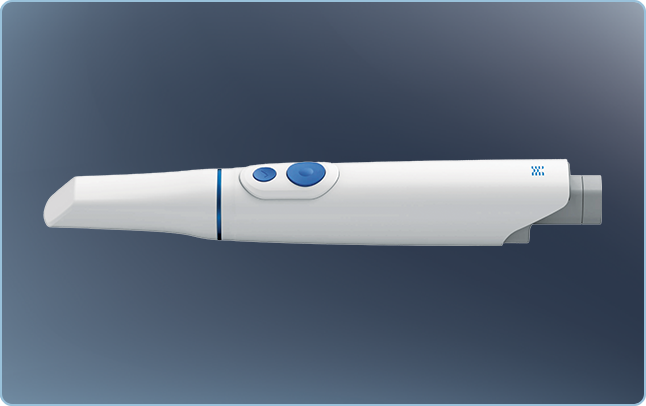
Top Button (Scan Button): Press once to start or stop scanning. Additional functions can be triggered by double-pressing, triple-pressing, or long-pressing. These actions can be customized in the settings menu.
Bottom Button (Control Button): This button allows you to manipulate the scanned data—rotate, move, adjust zoom—without a mouse or touchscreen.